English
  Español
  Deutsch
  Nederlands
Having problems with the App?
Do you see a BLACK SCREEN after updating our Europarking Client App on an iPhone?
No worries! The solution is simple.
Remove the app completely and reinstall it from the App Store. Here’s how: Press and hold the app icon until it starts to wiggle, tap the cross (x), and confirm with “Remove App”. Make sure you choose “Remove App” and not “Remove from Home Screen”. Then reinstall the app — done.
Still experiencing issues after that? Please fill out the contact form on this page.
Sorry for the inconvenience.
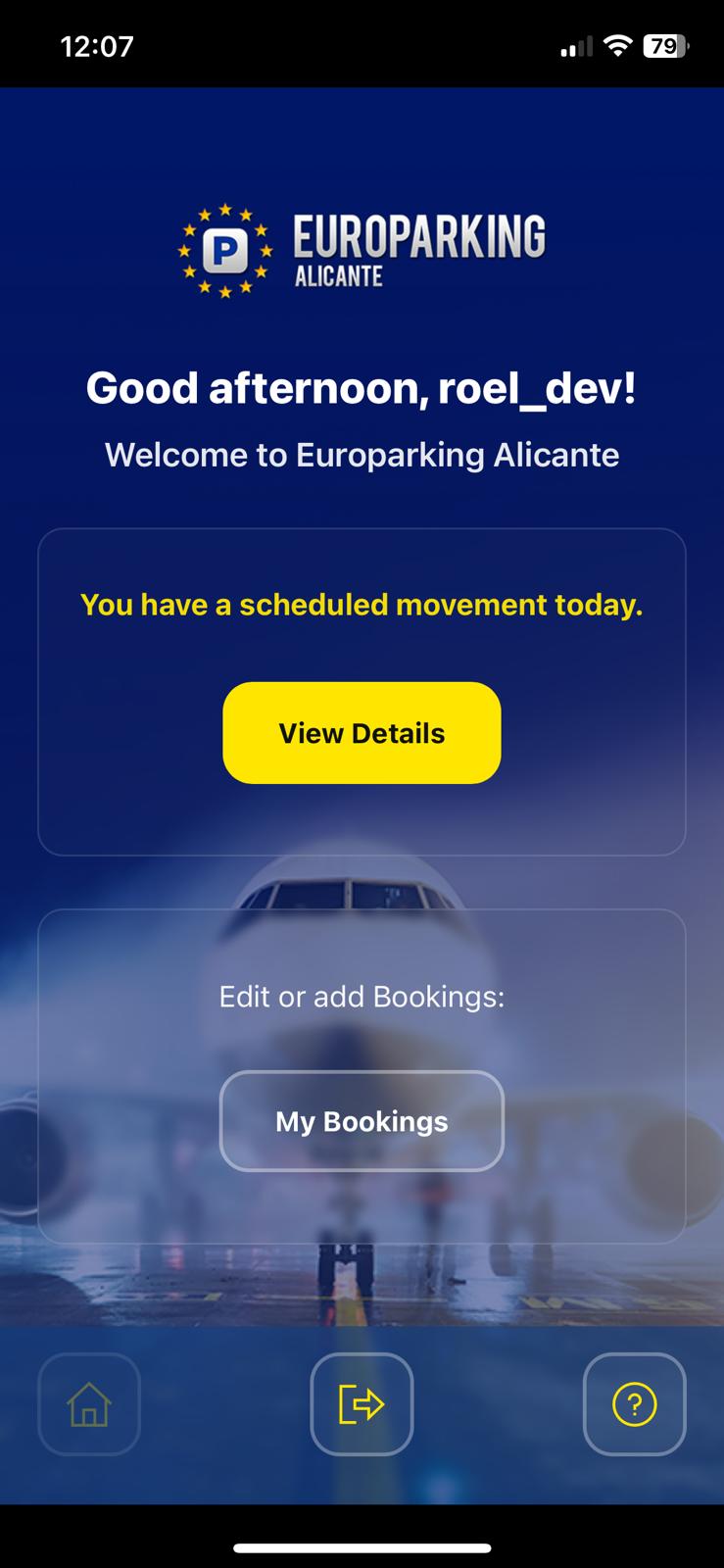
Download the freely available Europarking Alicante User App, tailored exclusively for our valued customers. An app trusted by many that streamlines your parking experience with Europarking Alicante, offering a suite of convenient services at your fingertips.
For Arriving Customers: After having passed the luggage collection area, notify us through the app about your arrival, removing the need to make a phone call.
For Departing Customers with Meet & Greet Service: Notify us 10 minutes before you arrive at the departure deck through a simple tap in the app, making a phone call unnecessary.
For Departing Customers with Shuttle Service: Conveniently find your way to the Europarking Alicante Parking Compound with our live map directions.
You can also modify or add bookings directly from within in the app.
Accessing the app is easy – just log in with your existing Europarking Alicante “My Account” credentials.
Go ahead and download the app for Apple iPhone or Google Android phones: